The sleeve is Sparkheim's mark of ownership. A card drawn in a sleeve is a card you own, everywhere in the app. This section is about making those sleeves yours.
One sleeve design dresses every owned card by default. Change it under Settings, in Appearance: tap Sleeve and pick from your library. Classic, the plain built-in sleeve, is always there.
The forge makes new sleeves. Pick up to five colors, drag them along the gradient, spin the angle dial, then choose a shine and a texture: matte or radiant, clean or worn, glitter, frost, a starfield. The preview tilts in your hand as you work, and a Randomize button rolls the dice for you.
Anyone can play in the forge. Saving a forged sleeve is a Pro feature.
Your saved sleeves form a library. Each one shows where it is used, and a long press offers edit, rename, duplicate, apply, and delete.
With Pro, a deck or binder can wear its own sleeve. Set it in the deck or binder edit screen.
This is more than decoration. Everywhere the app shows a card, the sleeve tells you where your copy lives: glance at a yellow sleeve in a search result and you know that card sits in your yellow deck. A dashed sleeve in that color means you own the card there, but in a different version.
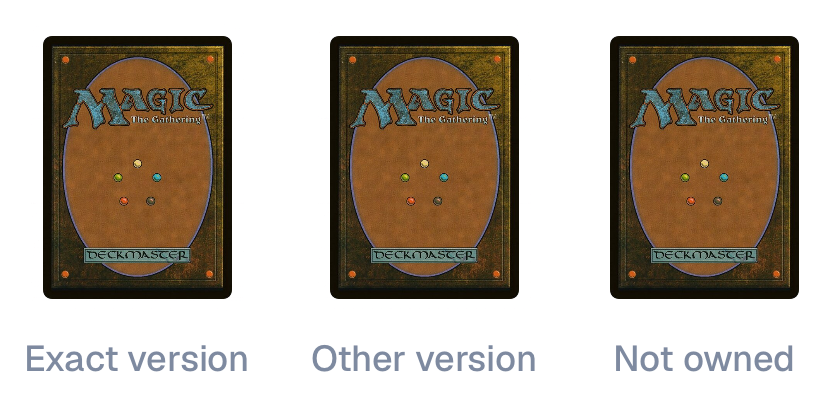
When copies of a card live in several sleeved places, the app shows the most specific one: a deck's sleeve beats a binder's, and the one higher in your own list order wins. Each assignment also has a Show this sleeve everywhere switch. Turn it off and the sleeve stays inside its own deck or binder, while the rest of the app shows your default.
No. Sleeves are pure appearance. Counts, prices, conditions, and matching work exactly the same whatever sleeve a card wears.
The app warns you first. Those decks go back to your global default sleeve, and the cards themselves are untouched.
You can build and preview any sleeve in the forge. To save it, apply it to a deck, or set it as your default, you need Pro. The Classic sleeve and the default look are free forever.